
ADB Wrench
ADB in your browser + AI assistant with no install required
What is ADB Wrench?
How to use ADB Wrench?
Features
Use Cases
FAQ
Pricing
Free
$0
ADB in your browser + AI assistant with no install required
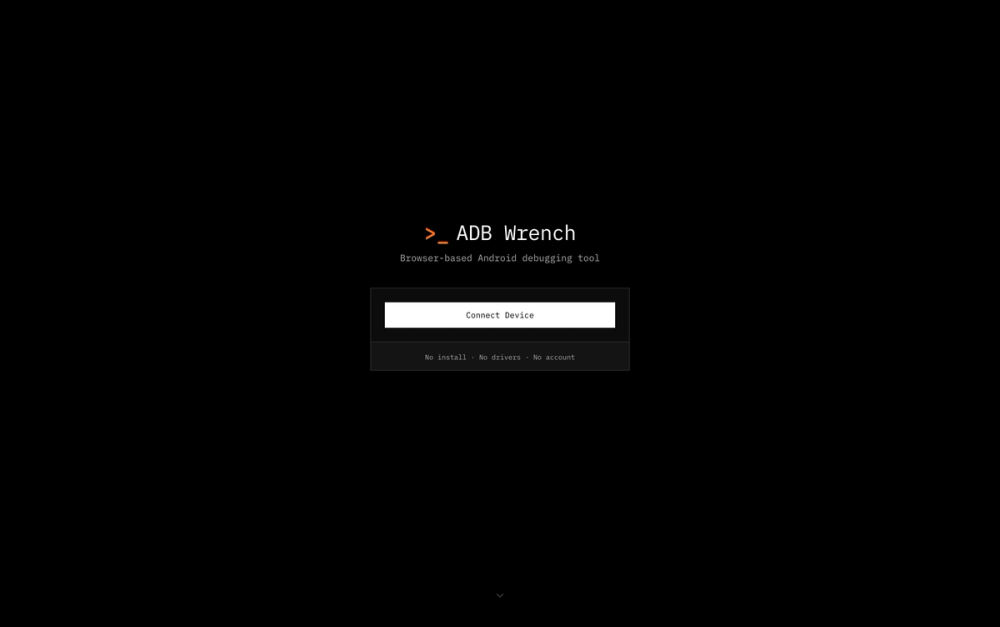
ADB Wrench is a browser-based Android debugging tool that enables developers to interact with Android devices directly through their web browser. Unlike traditional desktop applications, ADB Wrench provides a streamlined, accessible interface for executing Android Debug Bridge (ADB) commands without the need for complex local setup. The tool features AI-powered assistance to help developers troubleshoot issues and optimize their debugging workflow. It works as a Progressive Web App (PWA), offering offline capabilities and cross-platform compatibility across any modern web browser.
Getting started with ADB Wrench is straightforward and requires no local installation. Simply visit the ADB Wrench website from any modern Chromium-based browser and connect your Android device.
1. Enable USB Debugging - On your Android device, go to Settings > Developer Options and enable USB Debugging mode.
2. Connect Your Device - Plug your Android device into your computer via USB cable and authorize the connection when prompted.
3. Open ADB Wrench - Navigate to adbwrench.com in your browser and click the connect button to establish a WebUSB connection.
4. Execute Commands - Use the intuitive interface to run ADB commands, push/pull files, install apps, and access the AI assistant for help.
5. Use Keyboard Shortcuts - Take advantage of built-in keyboard shortcuts for faster navigation and command execution.
Browser-Based Interface - Access full ADB functionality directly from your web browser without installing any desktop software or configuring complex development environments.
AI-Powered Assistant - Get intelligent help with debugging tasks, command suggestions, and troubleshooting guidance powered by integrated AI technology.
Device Management - Easily manage multiple connected Android devices, view device information, and switch between devices seamlessly.
WebUSB Connection - Utilize modern WebUSB technology for secure, direct communication with Android devices without requiring additional drivers.
Keyboard Shortcuts - Speed up your workflow with customizable keyboard shortcuts for frequently used commands and actions.
PWA Support - Install ADB Wrench as a Progressive Web App for offline access and a native app-like experience.
Connection Resilience - Automatic reconnection handling and clear status indicators ensure you never lose track of your device connection.
#1 App Development Testing - Android developers can quickly test applications, view logs, and debug issues without switching between multiple desktop tools.
#2 Remote Device Management - IT professionals and QA teams can manage and debug Android devices from any computer with a web browser.
#3 Learning ADB Commands - Students and new developers can learn Android debugging with AI assistance guiding them through commands and best practices.
#4 Quick File Transfers - Transfer files between computer and Android device without installing Android Studio or other heavy development tools.
#5 Cross-Platform Debugging - Debug Android devices from Mac, Windows, Linux, or ChromeOS using the same consistent browser interface.
What browsers support ADB Wrench? ADB Wrench works with any Chromium-based browser including Google Chrome, Microsoft Edge, Brave, and Arc. Safari and Firefox are not supported due to WebUSB limitations.
Do I need to install anything on my computer? No, ADB Wrench runs entirely in your browser. You just need USB debugging enabled on your Android device and a compatible browser.
Is my data secure when using ADB Wrench? Yes, all communication happens directly between your browser and your Android device through WebUSB. No data is sent to external servers.
Can I use ADB Wrench offline? Yes, ADB Wrench is a Progressive Web App (PWA) that can be installed and used offline once cached in your browser.
What Android versions are supported? ADB Wrench supports Android devices running Android 4.4 (KitKat) and later versions.